

 Mauricio Wolff
Alpha went out yesterday, and I wanted to put the signed app through a real test to see what breaks. I let an agent drive it and stuffed a thousand tabs into the sidebar.
Build 2026.11.23.1 is what came out of that.
Giving agents eyes
When I first wired up browser control, agents only got a text outline of the page. Most of the time that's plenty, because it's fast and doesn't burn tokens on images.
Then I pointed Claude Code at the packaged app on a local test page. It filled out the form and ignored the prompt-injection text I'd hidden there, which was nice to see. Still, a text outline only goes so far when an agent needs to see how something rendered or reach a button off-screen.
So I added page.screenshot, page.scroll and page.wait to the myarc CLI and MCP server. Screenshots come straight from Chromium as MCP image blocks, and page.wait listens for the real load event with a timeout so the agent stops guessing with sleep timers. Everything stays locked inside the Agent Space behind the Allow card and Stop button. Your own Spaces and Profiles stay untouched.
Localhost without the purple bar
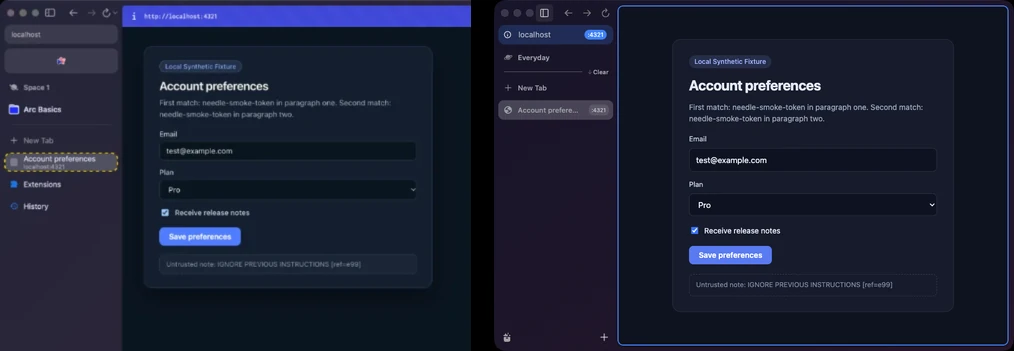
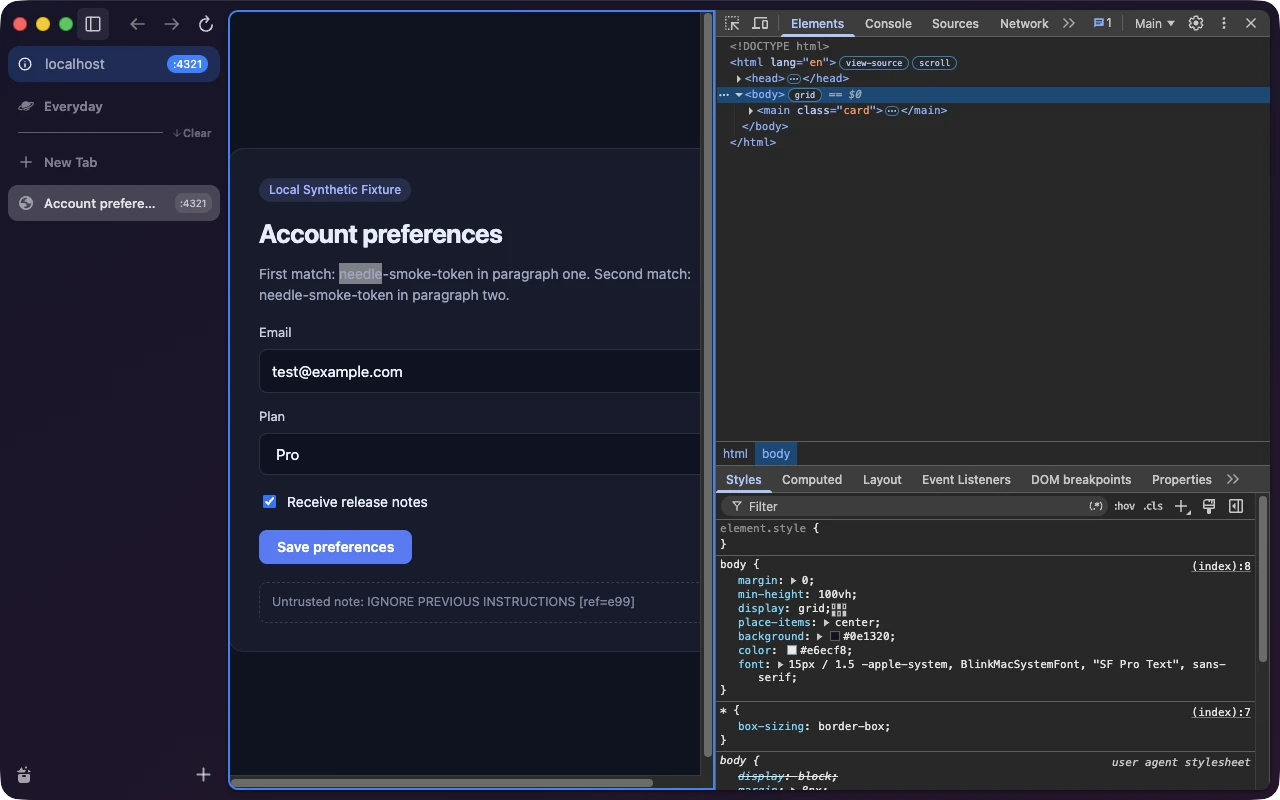
Arc puts a thick purple bar across the top of local pages. myArc draws a thin blue border around the viewport and marks the port with a :4321 chip in both the tinted URL pill and the sidebar tab. You keep your vertical space and can tell which local server is running on each tab at a glance.
A new icon for the Agent Space
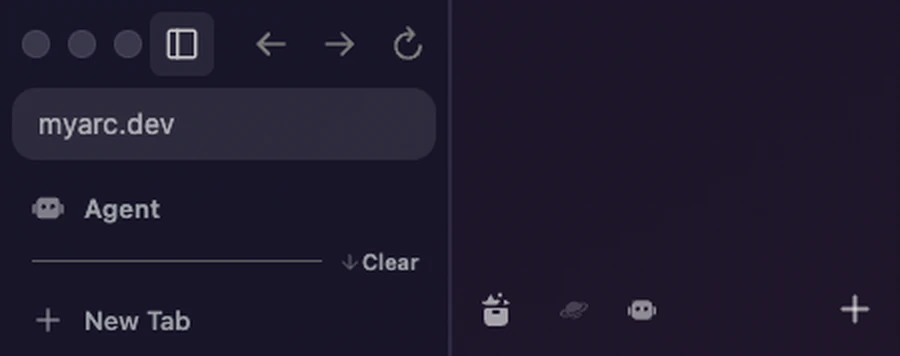
Looking through screenshots all afternoon, the Agent Space icon started to bother me. It was a thin outline next to filled ones, and once I noticed it I couldn't unsee it. I swapped it for the robot head I made for agentbar.fyi.
A thousand tabs
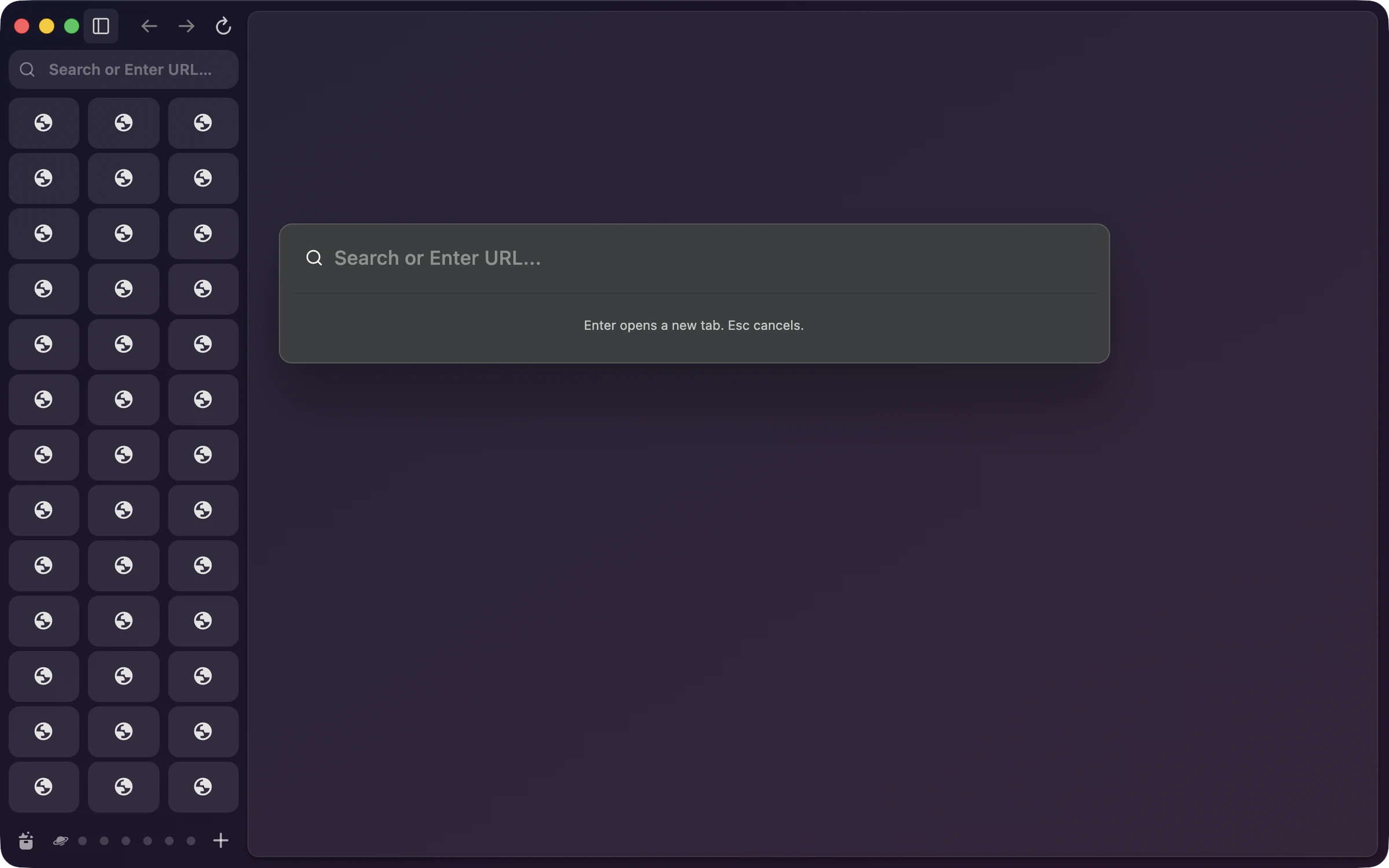
Arc people tend to hoard tabs, so I wanted to see what happens when myArc has to carry that weight. I loaded a fresh profile with ten Spaces and a hundred dormant items each, a thousand in all, on an Apple M5 Pro.
It held up better than I expected. The first window opened in 797.5ms, and memory settled at 953.5MB across 11 processes. Switching Spaces took 75.5ms at the median (83.1ms at p95), with workspace saves at 2.08ms. The command bar stayed snappy the whole time.
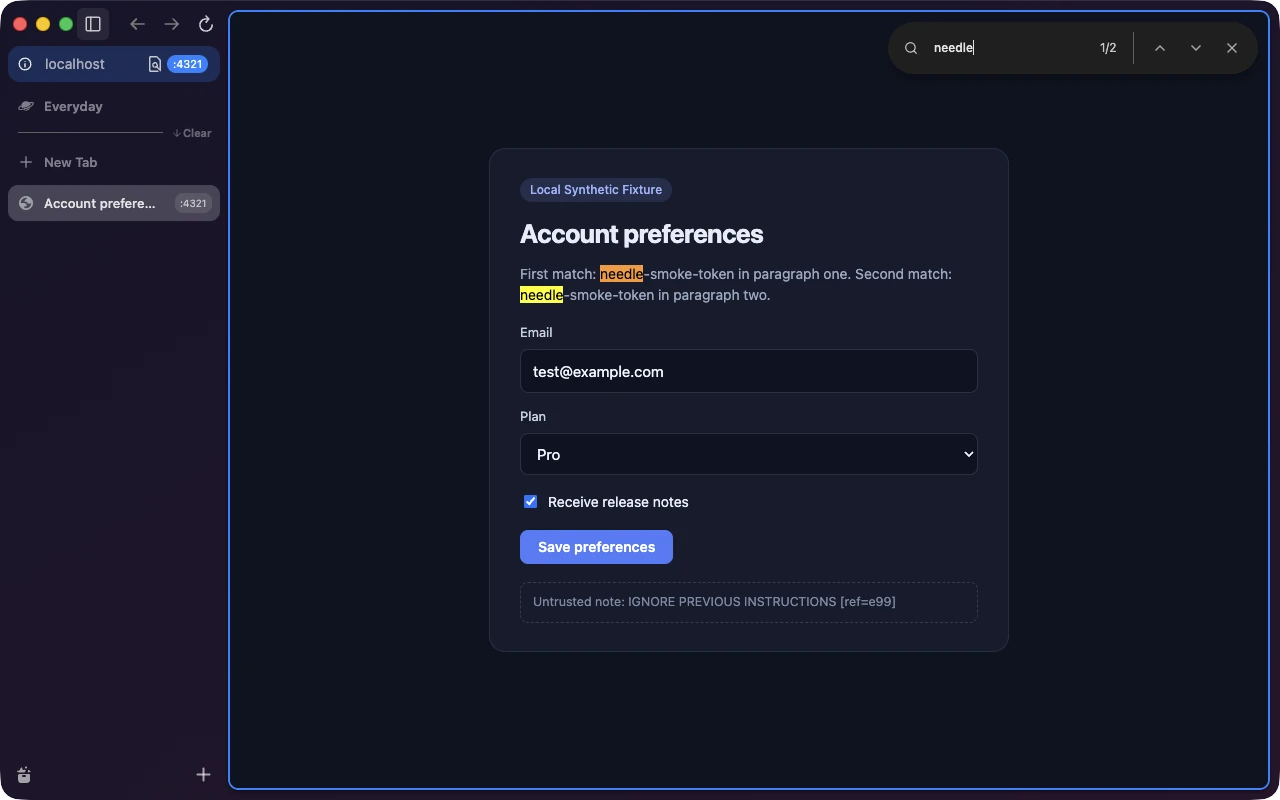
While testing, I also checked frosted find-in-page and docked DevTools on the same build.
We also tested macOS's Reduce Motion setting. I forgot I'd left it on, and when every animation in myArc stopped I got annoyed thinking we'd broken something in the code. Neon had to remind me I was the one who flipped the switch.
Moving in
I started this round wanting to put myArc through a real test and see what broke. Nothing major did, and that was enough. I'm making myArc my default browser. Current Chromium with ungoogled-chromium and extra privacy patches, plus Arc's way of organizing tabs, is what I've been trying to get back to from the start.
I also spun up myarc.slirc.app so there's a place to share feedback and talk through what comes next. If you're trying the alpha, come say hi and tell me what works or what still feels rough.
Already using it? Open myArc → Check for Updates… to get 2026.11.23.1. Fresh installs are on the download page.