HTML: https://myarc.dev/blog/2026-10-25-building-in-public/
[All posts](https://myarc.dev/blog/)
# Building myArc in public
October 25, 2026
By [bitbonsai](https://github.com/bitbonsai) · [Read Markdown](https://myarc.dev/blog/2026-10-25-building-in-public/index.md)
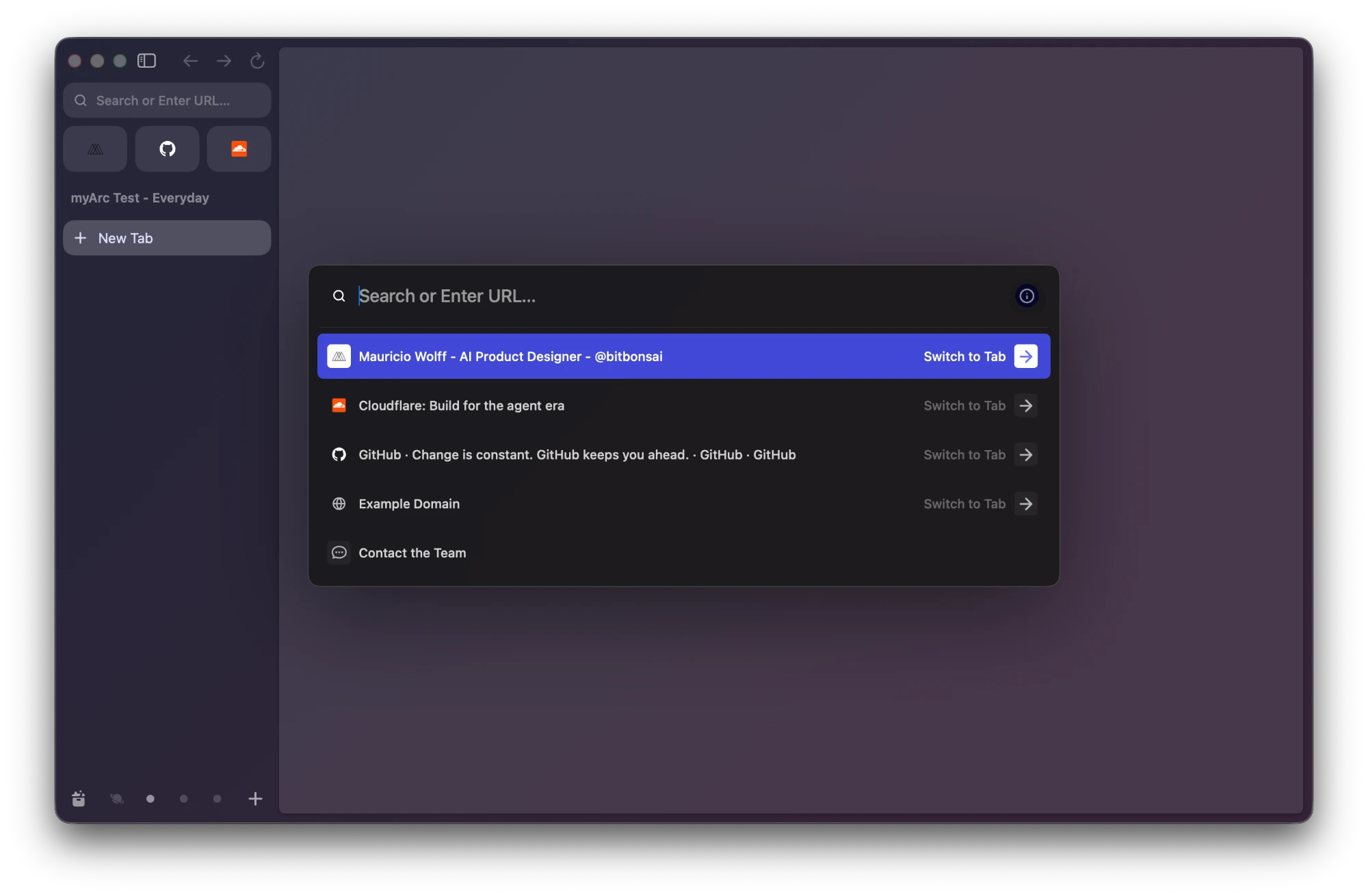
Today's goal is an Arc-like empty window and a nightly build I can run and share.
I'm building myArc around Arc's interface and browsing workflow. Chromium provides the browser services, with Rust for the workspace logic.
[](https://myarc.dev/blog/2026-10-25-building-in-public/myarc-current-build.f594a2a31d6a.webp)
## Getting the window right
An empty window makes spacing mistakes obvious. I can compare the sidebar and window material without a page taking over the screen.
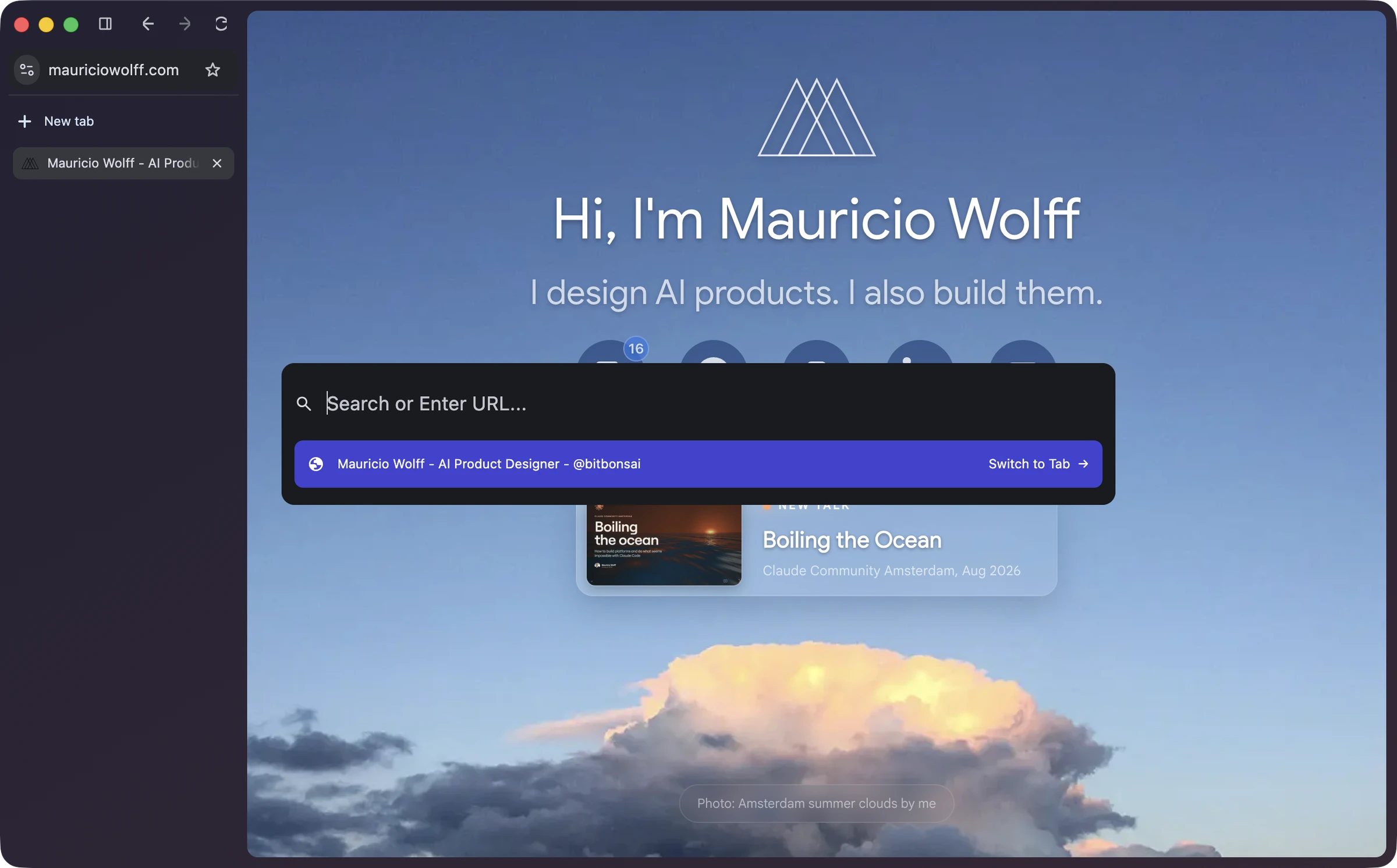
[](https://myarc.dev/blog/2026-10-25-building-in-public/arc-reference.3418f314f546.webp)
Arc, our visual reference.
Page navigation and the centered command palette already work. A nightly will let other people try the same build without compiling Chromium.
## How I split the work
Each agent gets a narrow job and a result I can check. Today, separate tasks cover the Rust Spaces model and a Profile-owned workspace service. Another agent is wiring that state into the native sidebar.
The brief names the relevant files and the behavior to demonstrate. A separate agent reviews the change. Findings go back for another implementation pass.
The lead agent brings the Rust and Chromium changes together. It then builds the browser and checks the native window.
## Models and review
GPT-6.1 (`gpt-6.1-sol`) leads the browser work with high thinking. Claude Sonnet 5.5 (`claude-sonnet-5-5`) reviews changes at high effort.
## Keeping context between sessions
I've open-sourced two skills under bitbonsai: [context](https://github.com/bitbonsai/context) and [wrap](https://github.com/bitbonsai/wrap).
Context keeps agent instructions and architecture notes current. A new agent needs to know which parts belong to Chromium and which belong to myArc. It also needs to tell planned work from working code.
Wrap saves the useful gotchas and writes a handover for the next session. Private and machine-specific notes stay outside the public repo.
[myArc's code is open source too](https://github.com/bitbonsai/myarc).
## What broke along the way
Moving navigation controls into the sidebar caused startup and layout failures. Using Chromium's native controls fixed that path.
The address field had a different problem. Hiding and showing it during layout lost keyboard focus. Keeping it visible fixed navigation.
Those are now things to recheck when the controls move. Looking right is one check. Typing an address and opening the page is another.
I borrowed from [Artcraft's public engineering practices](https://github.com/bitbonsai/myarc/blob/main/docs/ARTCRAFT-WORKFLOW.md), especially PhotoCraft's development guide. It keeps native visual checks separate from model tests.