

myArc,
forever yours.
An open-source browser bringing back Arc, with no account required and optional AI.

How you browse is part of how you work. It should outlast the company behind your browser.
Arc is being sunsetted, and its code was never open, so nobody can keep it going. myArc is open source, so anyone can.
What we hold to
-
Yours to keep
Your workspace stays on your computer, in files you own. Export is on the way.
-
Keep what worked
If you used Arc, you already know myArc. Where they differ, onboarding shows you.
-
AI by choice
AI is off until you turn it on. Then you pick: a local model, your own API key, or a hosted option, and you decide what it can see.
-
Built in the open
The plans and decisions are public too, not just the code. If I stop, anyone can pick it up where I left off.
Where it stands

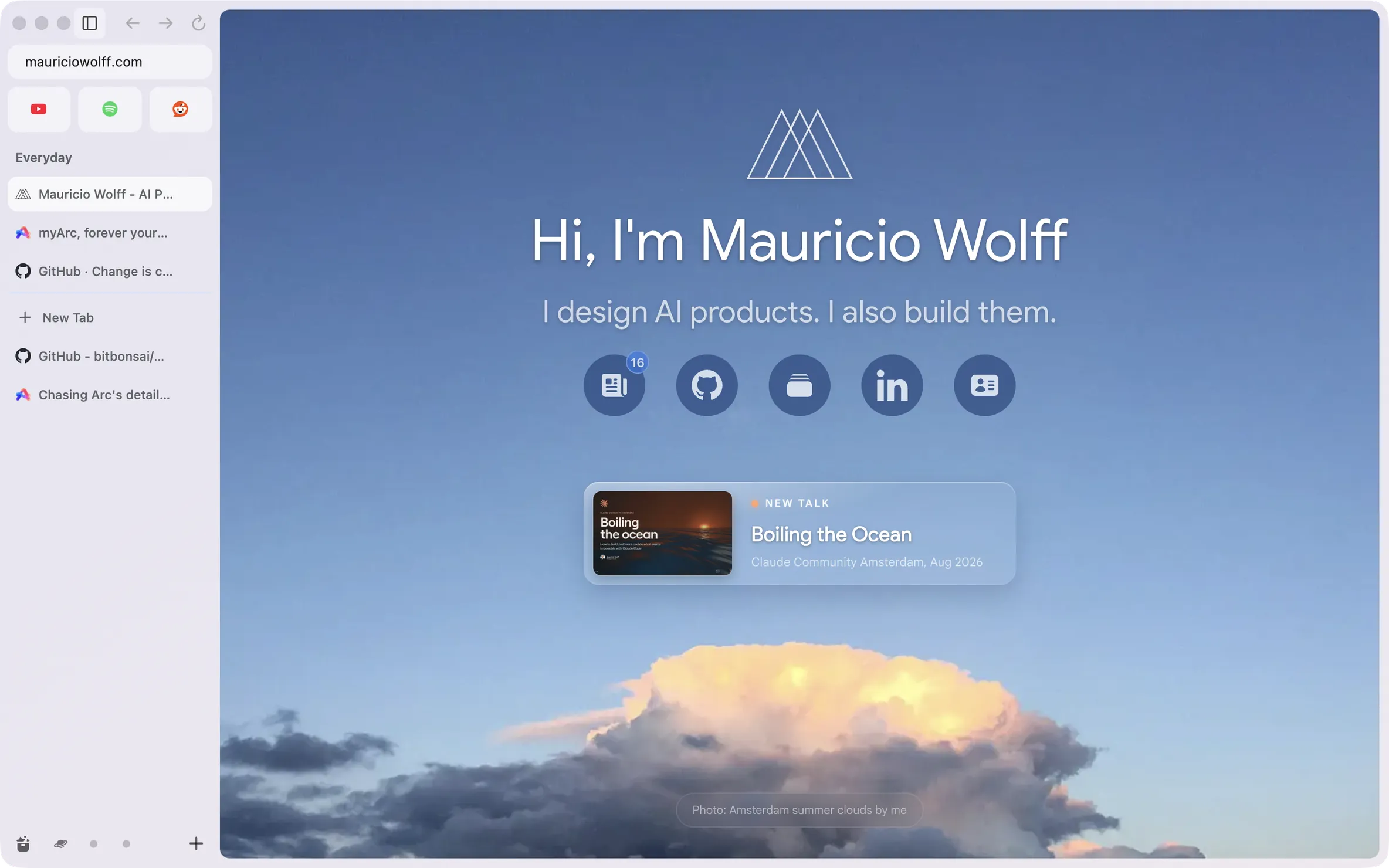
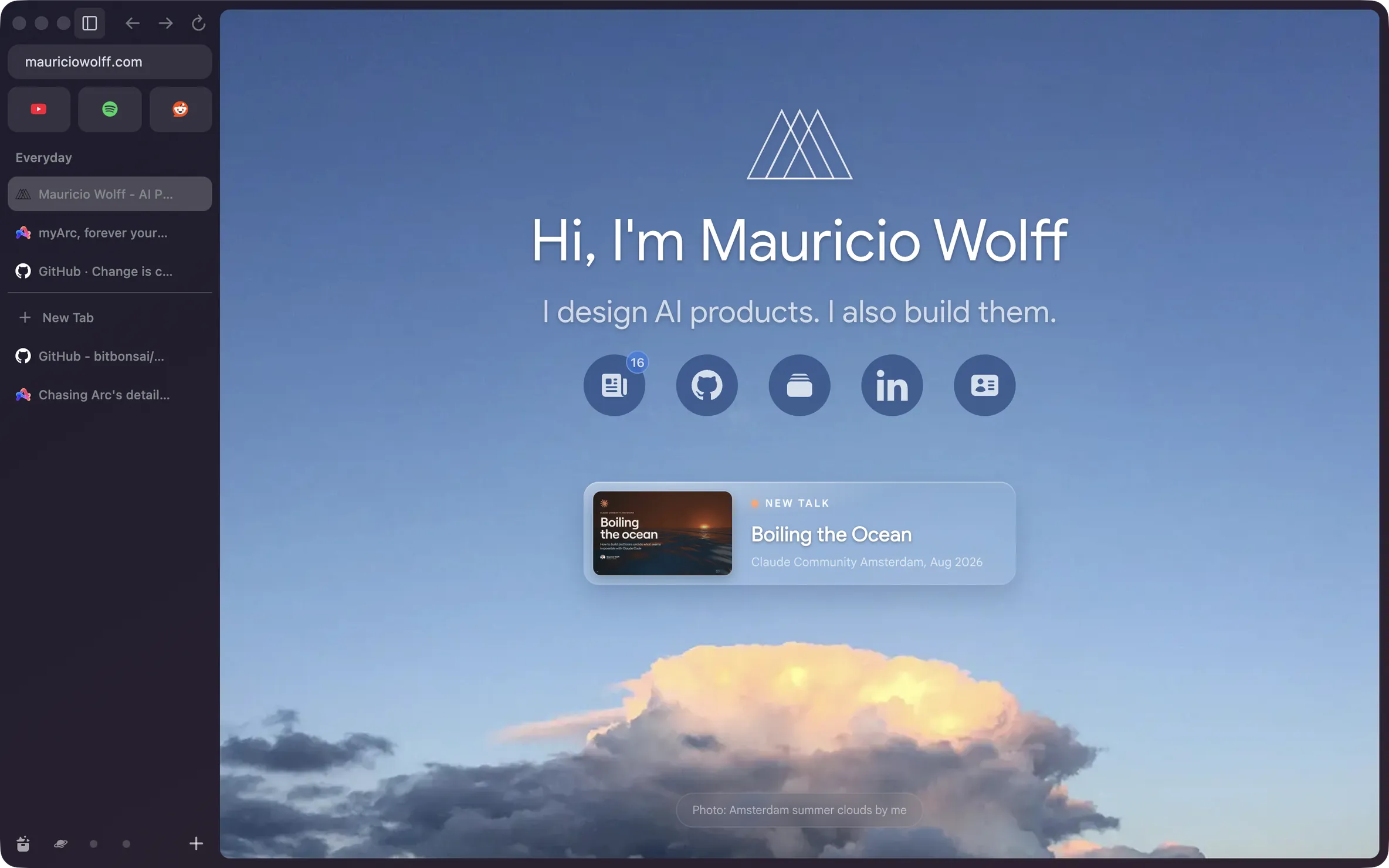
-
Works now
Spaces, pinned tabs and Favorites, the Library, tabs that survive a restart, and AI agents that browse in a Space of their own.
-
Next, for alpha
Split view, Little Arc, Arc import, ad and tracker blocking on by default, and onboarding.
-
After alpha
Builds for Windows and Linux.
Read along
-
Roadmap
Milestones, dependencies and the gates a release has to pass.
-
Architecture
Why Chromium, and what Rust owns.
-
Arc migration
What an Arc import brings over, what it leaves out, and how export will work.
-
AI and services
Provider choices, privacy rules and how a hosted option would be paid for.
-
CLI and MCP control
How the terminal and AI agents drive the browser, and what you let them do.
-
Contributing
How to help without drifting from the product.